How to Plan a Pokemon Binder Layout
Pick a page size, pick an order, and count the pages before you fill a pocket.
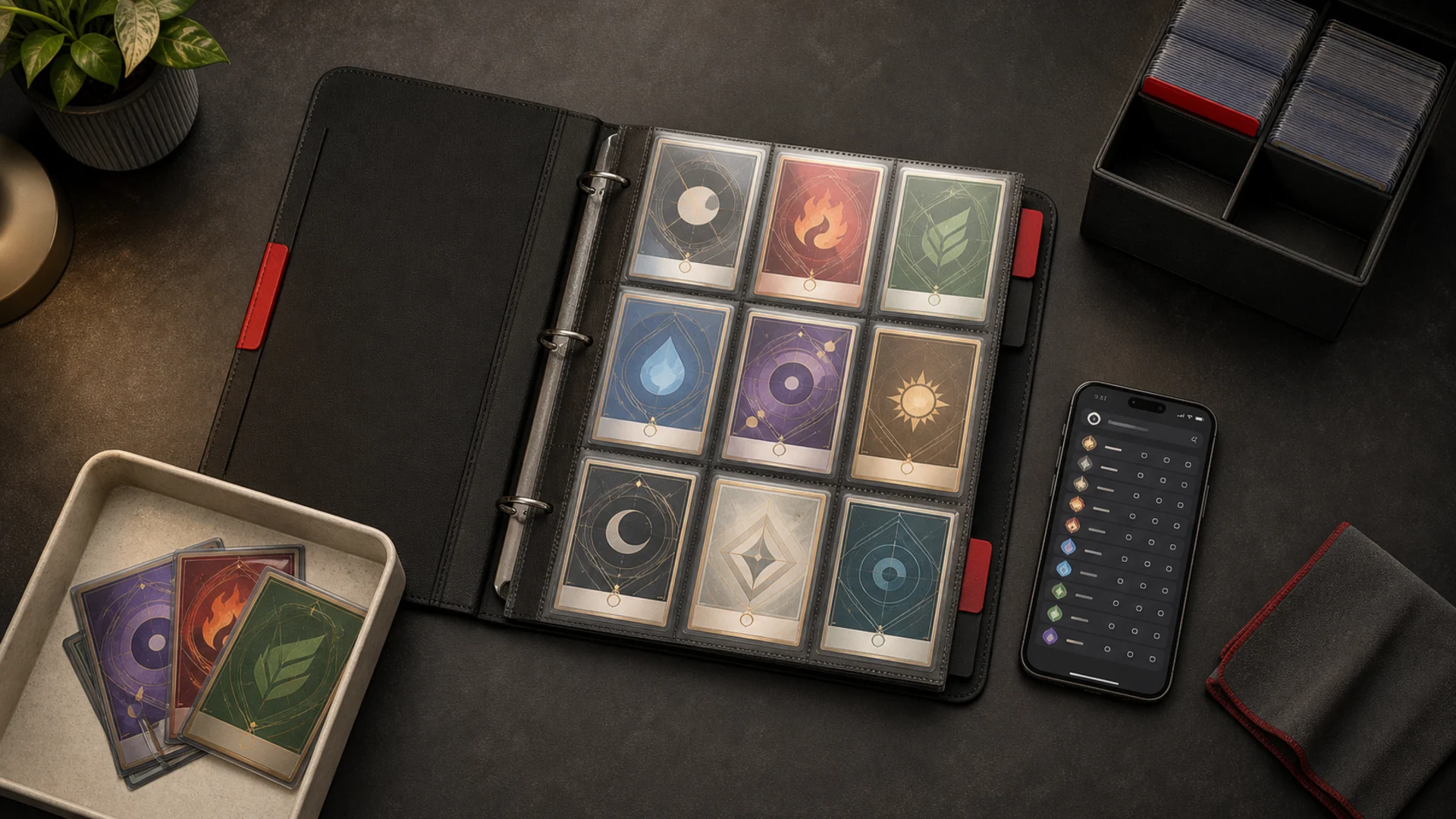
A binder layout is a plan for which card goes in which pocket. Make the plan first. Moving a finished binder is slow, and a plan costs nothing to change.
This guide covers page size, card order, and a short checklist. It then describes how to plan the same pages with the BinderDex tools. For the wider system around the binder, see how to organize Pokemon cards.
- Decide the page size first: 4, 9, or 12 pockets.
- Decide the order: collector-number order for a master set, or a theme for a showcase binder.
- Plan the pages before you buy sleeves or extra pages.
- Mark each pocket as owned or missing.
Choosing a page size
The page size sets how many cards you see at once and how many pages a set needs.
| Page | Grid | Pockets per side | Good for |
|---|---|---|---|
| 4-pocket | 2x2 | 4 | Showcase pages with few cards |
| 9-pocket | 3x3 | 9 | Most sets and everyday binders |
| 12-pocket | 3x4 | 12 | Larger sets in fewer pages |
The 9-pocket page is a common choice for sets. Match the grid to the binder you own, or buy the binder that matches your plan.
To count pages, divide the set's card count by the pockets per page and round up. A 100-card set on 9-pocket pages needs 12 page sides, because 100 divided by 9 is about 11.1. If your binder uses double-sided sheets, each sheet has two sides and holds 18 cards, so those 12 sides fit on 6 sheets.
Leave room for the cards you do not own yet. A plan for the full set keeps every gap in the right place.
Master set or showcase binder
Pick the goal before the order. The order answers a different question for each goal.
Master set
A master set follows the collector number printed on each card. Page one holds the lowest numbers and the last page holds the highest. Every missing card has a fixed pocket, so a gap on the page is a checklist item.
Showcase binder
A showcase binder follows a theme, such as one Pokemon, one artist, one color, or one evolution line. The pages do not have to match any set list. Pick the rule, write it down, and fill pages as you find cards. For ideas, browse the binder ideas gallery.
- Choose the goal: a master set or a showcase.
- Choose the page size that matches your binder.
- Choose the order: collector number or theme.
- Divide the card count by the pockets per page to get the page count.
- Plan the pages before you buy sleeves or extra pages.
- Mark each pocket as owned or missing, then fill the owned ones first.
Plan it in BinderDex
BinderDex publishes this article, so treat this section as a description of our own tool, not a ranking.
Binder builder. The binder builder is free and works without signing in. Guest binders are claimed when you sign in. Pick a 2x2 (4 pockets), 3x3 (9 pockets), or 3x4 (12 pockets) page. Search the card library and drag cards into pockets. Search results show card prices. When you are signed in, the builder tracks owned and missing cards against your BinderDex portfolio. You can add missing cards to your watchlist.
Binder page planner. The binder page planner starts from a card, a Pokemon, a set, or a published idea. It builds three 3x3 pages. You can swap pockets. Saving the plan as a binder needs a free sign-in.
Layout ideas. The binder ideas gallery holds public layouts you can borrow from.
Mobile app. The app shows your saved binders with a live price per card. It marks owned and watched cards and shows the cost to complete. The mobile app requires a BinderDex Pro subscription.
BinderDex does not offer a public share link, printing or exporting a layout, or separate pockets for variants such as reverse holos.
If you want a list instead of a layout, use the Pokemon card checklist or the printable Pokemon card want list.
Other binder planners
Other tools plan binders too: PoBinder, Cardrake, PkmnBindr, pkmn.gg, and Dex. We have not reviewed their features for this guide. Check each tool's own pages for page sizes, variant handling, sharing, and pricing.
FAQ
What page size should I use for a Pokemon binder?
Use the size that matches your binder. The 9-pocket page is a common choice for sets. BinderDex plans 4-pocket, 9-pocket, and 12-pocket pages.
How many pages does a set need?
Divide the set's card count by the pockets per page and round up to get page sides. With double-sided sheets, halve that number and round up to get sheets.
Is the BinderDex binder builder free?
Yes. The web binder builder at /binders is free and works without signing in. Saving a plan from the binder page planner needs a free sign-in.
Can I print or share a BinderDex binder layout?
No. BinderDex does not offer a public share link, printing, or exporting a layout.
Can I plan separate pockets for reverse holos?
Not in BinderDex. It does not offer separate pockets for variants such as reverse holos.
Know exactly what is in your collection.
Download BinderDex on iPhone or Android to track exact printings, organize your binders, and follow card and sealed product values in one place.
Prefer mobile?